

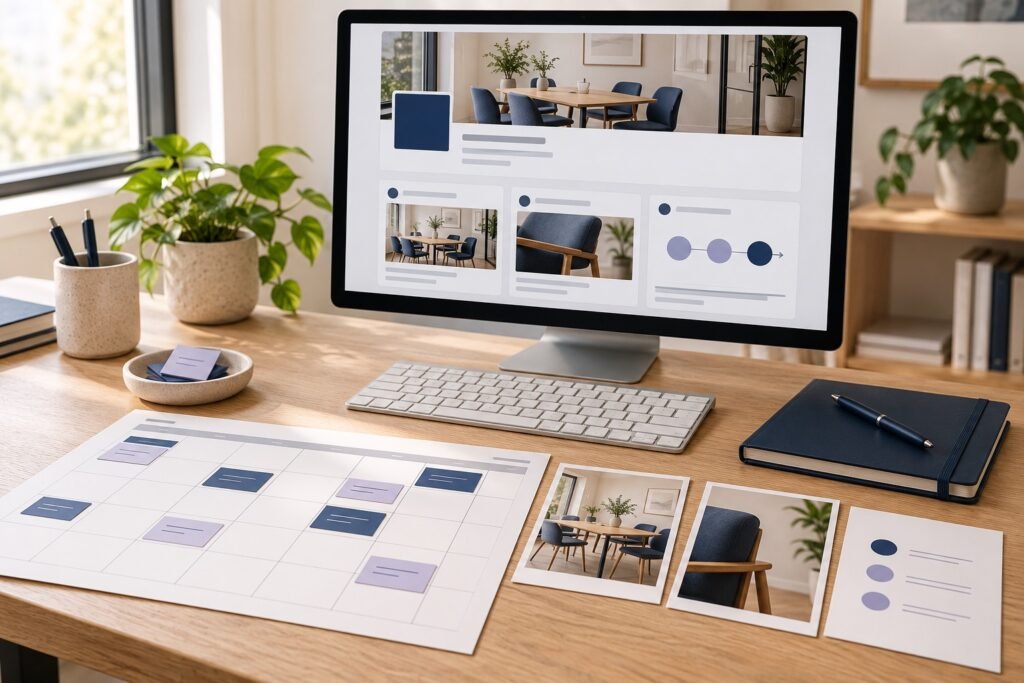
A LinkedIn company page content plan should help a potential customer understand what your business does, how you work and when to contact you. Start with a clear buyer, one commercial priority and a month of posts that answer real buying questions.
This 30-day plan gives a small business twelve practical post ideas, space for conversation and a reusable planning worksheet. Adapt the pace to your team’s capacity while keeping the sequence focused on the people you want to serve.
Prepare the Page before planning the posts
Review your logo, cover image, overview, website URL and company information. A visitor who arrives from a useful post should immediately recognize the business and find a relevant next step.
LinkedIn’s official Page guidance covers completing these details and using formats including images, video and documents. It also describes scheduling posts, responding as your Page and reviewing Page analytics. Choose the format that explains the subject clearly rather than forcing every idea into the same layout.
Select one priority offer for the month. It could be a service package, a product collection or an event. Write down the buyer’s role, the problem they need to solve and the action you want them to take. Our campaign brief template gives your team a shared place to record those decisions.
Build content around four buying questions
- Do you understand my problem? Explain a practical issue the buyer recognizes, using their language.
- How does your work help? Show a process, demonstration or useful decision framework.
- What would working with you involve? Describe the steps, required information and people involved.
- What should I do next? Present an appropriate offer and a clear route to enquire.
Collect questions from sales calls, customer emails and delivery conversations. Remove private details, then turn recurring questions into standalone posts. This creates a company Page that answers buying questions consistently, even when different teammates contribute.
Your 30-day LinkedIn company page content plan
The schedule below uses three posts per week, with the remaining days reserved for preparation, replies and review. This is a practical starting schedule, not a required LinkedIn posting frequency.
| Day | Post idea | Purpose and next step |
|---|---|---|
| 2 | A common buyer problem explained in plain language | Build recognition; ask which part causes the most delay. |
| 4 | A short checklist for preparing for your service | Help the buyer assess readiness; invite a relevant question. |
| 6 | A team member explaining one useful work habit | Show expertise through a concrete example. |
| 9 | A demonstration of one product or service step | Make the work visible; link to the relevant service information. |
| 11 | A comparison between two appropriate options | Explain who each option suits and what to consider. |
| 13 | An answer to a question from week one | Continue the discussion with a specific, useful answer. |
| 16 | A behind-the-scenes process walkthrough | Explain how the team prepares or checks the work. |
| 18 | A permission-cleared project example or sample deliverable | Show scope, decisions and the work produced. |
| 20 | A guide to the first conversation with your team | Tell prospects what information to bring. |
| 23 | A focused introduction to the month’s priority offer | State who it suits and link to an enquiry or product page. |
| 25 | Answers to two frequent buying questions | Resolve practical questions about fit or process. |
| 28 | A recap of the month’s most useful lesson | Invite the next relevant conversation and guide interested buyers. |
Use days one and eight to prepare the next assets, days fifteen and twenty-two to review questions, and days twenty-nine and thirty to assess results and plan the next month. Check and answer useful comments on the other working days.
Turn each idea into a clear company post
Open with the buyer’s situation. Explain one point, add something concrete and close with one next step. A useful post can be short when the example is specific. A longer document is appropriate when readers need a checklist or a sequence they can follow.
For a demonstration, show the actual task and explain what the viewer should notice. Our product demo video script template can help organize the filming. For a team post, connect the person’s contribution with customer experience, such as preparing a clear handover or checking a finished order.
Ask a question when you want a conversation; link to the offer when the post introduces a buying step. Keep the action consistent with the content so the reader knows why to continue.
Example: a fictional workplace furniture supplier
Imagine a small supplier called Northfield Office preparing content for businesses furnishing compact meeting rooms. Its priority offer is a consultation about suitable table sizes. The company gathers questions about room measurements, seating and delivery access.
For day four, Northfield creates a three-part room-measuring checklist. Day nine shows a team member measuring a sample room. Day eleven compares two table shapes using the same room layout. Day twenty explains which measurements and photographs to bring to a consultation.
A day twenty-three post might open: “Planning a meeting room for six people? Bring the room measurements, door positions and a photograph of the current layout to your furniture consultation.” The post then explains the consultation and links to the booking page. This is a fictional writing example; adapt the details to the service your business actually provides.
Copy this post-planning worksheet
- Buyer and question: Who is this for, and what are they trying to decide?
- Main point: What should the reader understand after seeing the post?
- Useful material: Which photograph, demonstration, example or checklist supports the point?
- Format and owner: Who will prepare it, and what format fits?
- Customer action: What should an interested reader do next?
- Destination and approval: Which page supports that action, and who checks the finished post?
- Review: Which response will tell you whether the subject deserves another post?
Review the month and choose the next priority
Look at content performance alongside relevant comments, website visits and enquiries. Record the buying questions that appeared repeatedly. A topic that prompted useful conversations may deserve a deeper demonstration, while a frequently requested detail may belong on the service page.
Bring your prepared Page, priority posts and promotion requirements to Famix’s social media services. Use our SMM order checklist to organize the account or post link and service details before ordering. Your next month then starts with a clear message, a useful destination and a practical plan.
Author Profile

- Basit Ali is a digital entrepreneur and SEO specialist dedicated to helping brands and creators scale their online presence. Based in Lahore, he brings hands-on expertise in technical SEO, organic reach, and social media marketing. At Famix, Basit shares actionable insights and proven strategies for hacking platform algorithms, building authentic engagement, and turning casual scrollers into a dedicated, monetized audience across TikTok, Instagram, and Facebook.
Latest entries
 Social Media Growth StrategyOctober 26, 2026Monthly Social Media Report Template for Small Businesses
 LinkedInOctober 25, 2026LinkedIn Company Page Content Plan for Small Businesses
 PinterestOctober 24, 2026Pinterest Pin Titles and Descriptions for Product Pages
 YouTube Growth and MonetizationOctober 23, 2026How to Add and Edit YouTube Subtitles for Product Videos