

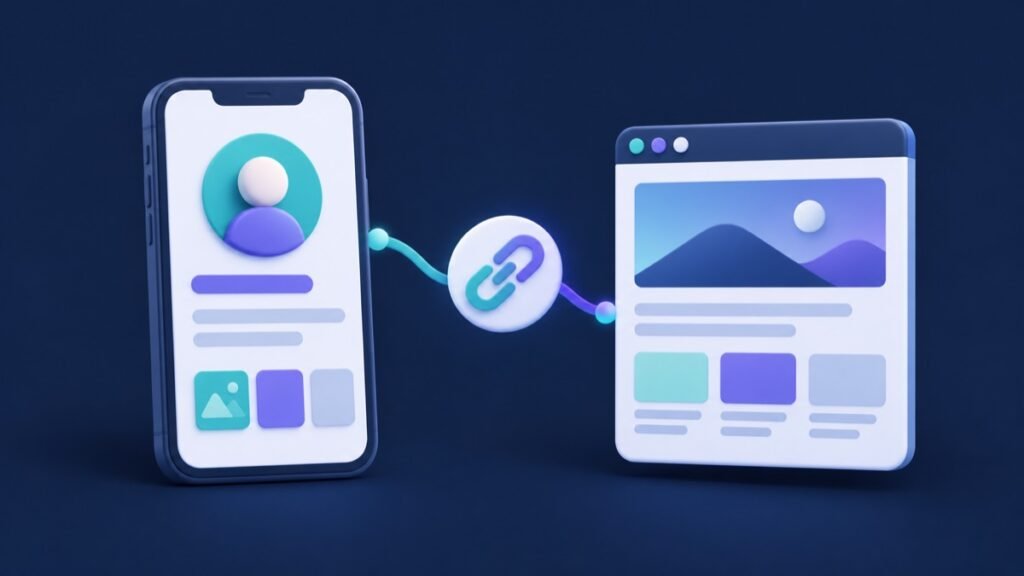
To add a website link to your TikTok bio, open Profile → Edit profile → Links → Add and follow the prompts. TikTok currently lists two ways to qualify: at least 1,000 followers or a Verified Business Account.
A useful bio link gives interested viewers a clear next step: browse the collection you just demonstrated, explore your services or book a consultation. This guide explains the current setup and helps you choose a destination that connects your videos to your business goals.
How to add a link to your TikTok bio
- Open the TikTok app and tap Profile at the bottom.
- Tap Edit profile.
- Find Links and tap Add.
- Follow the steps to connect your website.
These are the steps in TikTok’s current website profile-link instructions. The clickable website field is what people usually mean by a “link in bio.” TikTok recommends a direct link that gets visitors to the intended website in a few steps; profile links open in its in-app browser.
What does Verified Business Account mean?
Business verification is a separate process for confirming a business on TikTok. It is different from the blue checkmark displayed on high-profile accounts. TikTok’s business verification guide explains the process and lists supported markets; feature availability can also depend on account factors.
If you are using the business route, check your actual verification status rather than assuming that selecting a business account type completes verification. Use the requirements shown in your account and the official guide when preparing your business details.
Choose one clear job for your bio link
Before entering a URL, finish this sentence: “When a viewer visits my profile after watching this content, I want them to…” Pick the action that matters for the campaign you are running now. A focused destination makes the next step easier to understand.
| Your content and goal | A practical destination |
|---|---|
| Demonstrating a specific product | The matching product page with options and purchase details |
| Introducing a new collection | A collection page that shows the featured items together |
| Explaining a professional service | A service page with scope, useful examples and an enquiry button |
| Showing a portfolio | A selected-work page with a clear contact route |
| Inviting people to an event | The event page with current dates, details and registration |
Your homepage can work when it immediately supports that action. If visitors would need to search several menus to find the subject of your video, choose a closer destination. Keep the product name, service description or campaign wording recognizable between the video, profile and landing page.
Example: connect a pottery video to the right collection
Imagine a small pottery studio promoting a new mug collection. This is a hypothetical planning example. Its TikTok videos show the glazing process, how the mugs look in natural light and the differences between available sizes.
The studio chooses the collection page as its bio-link destination. That page uses the same collection name viewers heard in the videos and presents the available pieces together. The profile invitation says, “Explore the new mug collection below.” A visitor arriving from a glazing video can recognize the products immediately.
Before launch, the studio checks whether a phone user can select a size, see the relevant delivery information and reach the next step comfortably. Those checks turn a profile edit into a usable shopping journey. When the campaign changes, the team reviews both the invitation and the destination together.
Run this mobile landing-page checklist
After adding the link, visit your profile and tap it as a viewer. Check the experience inside TikTok, where your audience will first arrive. Use this checklist before promoting the profile:
- Correct destination: the link opens the intended live page, with the right campaign or product.
- Clear first screen: the headline explains what the visitor can find or do.
- Recognizable branding: the name and visuals match your TikTok presence.
- Comfortable mobile layout: text, product choices and buttons are easy to use.
- Useful action: the primary button leads to the correct form, product selection or booking step.
- Current information: dates, availability and contact details fit the active campaign.
- Working journey: navigation and forms behave as expected; stop before submitting a real order or enquiry during a routine check.
For an international audience, make the destination’s service area, delivery options or booking timezone easy to find where relevant. Give visitors the details they need to decide whether the offer fits them.
What to check if the website option is missing
First, confirm that you are editing the intended account and compare its eligibility with the requirements above. If you qualify, review TikTok’s current instructions and the account options shown in the app. Record the screen or message you encounter so a support request can describe the exact issue.
If your goal is linking another social platform, use its website URL. TikTok’s current help page says it no longer supports links that open or log people into other social media apps, while links to those platforms’ websites remain supported.
Keep a simple link and campaign log
Record the destination URL, the date it went live, the campaign it supports and the action you want visitors to take. Add a short note whenever you change the page or profile invitation. This gives your team context when reviewing website visits and enquiries later.
If you use campaign parameters, our social media UTM tracking guide explains how to keep the naming consistent. Test the complete tagged link after adding it. Review the available website data alongside actual enquiries or orders to decide which content and landing-page improvements deserve attention next.
Ready to plan the wider campaign? Explore Famix’s TikTok services and choose an option that fits your publishing goals. Keep your profile, videos and website destination working toward the same clear customer action.
Author Profile

- Basit Ali is a digital entrepreneur and SEO specialist dedicated to helping brands and creators scale their online presence. Based in Lahore, he brings hands-on expertise in technical SEO, organic reach, and social media marketing. At Famix, Basit shares actionable insights and proven strategies for hacking platform algorithms, building authentic engagement, and turning casual scrollers into a dedicated, monetized audience across TikTok, Instagram, and Facebook.
Latest entries
 Social Media Growth StrategyOctober 20, 2026Social Media Campaign Brief Template for Small Businesses
 YouTube Growth and MonetizationOctober 18, 2026How to Create a YouTube Playlist for Product Demos
 Social Media Growth StrategyOctober 18, 2026How to Add a Link to an Instagram Story: Business Guide
 Social Media Growth StrategyOctober 15, 2026How to Pin Instagram Posts: A Business Profile Checklist