

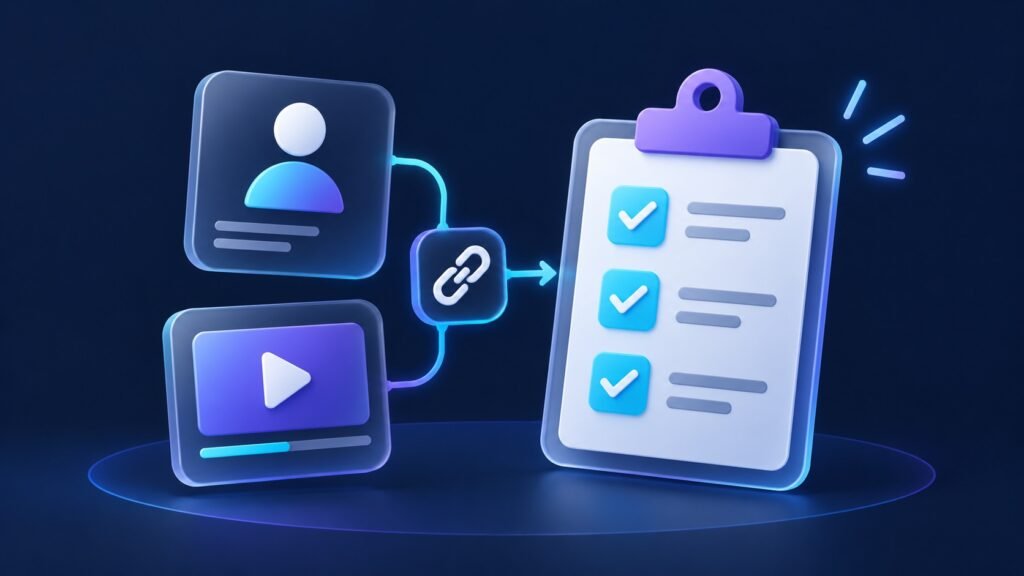
A well-prepared social media order starts with three details: the service you want, the quantity you have selected, and the exact profile or piece of content it relates to. This SMM order checklist helps you collect those details, compare packages confidently, and keep a clear record from checkout to follow-up.
Use it whether you are planning an Instagram campaign, choosing a TikTok package, or organizing several client accounts. SMM means social media marketing. On a services website, the package name identifies what you are buying; the destination identifies where that service should apply.
1. Choose the service before choosing the quantity
Start with the item you want to support. Is it an account, a Facebook Page, one Reel, or a particular YouTube video? Then select the matching service. A follower package relates to an account; a Reel likes package relates to a Reel. This simple distinction makes package comparisons much easier.
For example, Famix lists Reels Views and Reels Likes separately on its Instagram Reels service page. Read the full package name before comparing its price with another option. Two packages with the same number in their names can cover different services.
2. Prepare the right profile, post or video link
The table below shows the destination to have ready. It is a preparation guide: follow the exact format requested in the order form, whether that is a username or a complete URL.
| Service you are selecting | Destination to prepare | Quick check |
|---|---|---|
| Instagram or TikTok followers | The intended account’s current username or profile link | Open the profile and confirm its handle and picture. |
| Instagram Reels likes or views | The specific Reel link | Confirm the Reel, caption and account match your campaign. |
| Instagram post likes | The specific post link | Check the photo or carousel you selected. |
| TikTok video likes or views | The specific video link | Play the video to confirm it is the right upload. |
| YouTube subscribers | The intended channel link | Check the channel name and handle. |
| YouTube views | The specific video link | Check its title and channel. |
| Facebook Page likes or followers | The intended Facebook Page link | Confirm it opens the business Page you manage. |
| X followers, post likes, views or reposts | The profile for followers; the specific post for a post service | Match the destination to the service name. |
Profile link versus content link
A profile link opens the account’s main page. A content link opens an individual post, Reel or video. If your campaign is about one video, copying the account’s profile address leaves the intended video unclear. Open the item itself before copying its address.
On a computer, open the intended public destination and copy the address from the browser. In an app, use the item’s sharing options when available. Paste the result into a separate browser tab and check what opens. A search-results page, screenshot or display name is less precise than the requested username or link.
Copying a YouTube video or channel link
YouTube’s official sharing instructions distinguish videos from channels. For a video, open it, choose Share, then copy its link. For a channel on a computer, open the channel page and copy the browser address. In the Android app, open the channel, choose More → Share → Copy link.
3. Run a one-minute destination check
- Open the saved link. Check the actual destination rather than relying on the text you copied.
- Confirm the account. Compare the handle as well as the display name, especially when managing similarly named accounts.
- Confirm the content. For a post or video service, check the image, title or caption.
- Check access. Review any visibility requirement stated for the package. If a login screen prevents you from confirming the destination, ask support to help check the link.
- Check for planned changes. If you intend to rename an account or replace a post, settle the destination before ordering.
For client work, ask the account owner to approve the final link in your campaign brief. That gives everyone one clear destination to reference.
4. Review the package, cart quantity and total
Read the package name, included amount and displayed price together. Then review the cart quantity and final total. A package called “1,000” describes the package amount; a cart quantity control is a separate field. Before changing it, check how the order summary calculates the purchase.
When comparing options, keep the service type consistent. Compare Reels views with Reels views, or TikTok followers with TikTok followers. Save the selected product name so you can identify the exact package later without relying on a price that may change.
5. Save a short order brief
Copy this template into your notes. Complete the first six lines before ordering, then add the reference and date from your confirmation. Agencies can keep one brief per client and destination.
Campaign or client:
Platform:
Selected service and package:
Username or destination link:
Included package amount:
Questions to confirm before ordering:
Order reference:
Order date:
Next review date:
Keep any starting measurements in the same note if you plan to review the campaign. Record what the platform calls each metric and when you recorded it. Use the same destination and measurement when checking again. This helps you discuss progress clearly with your team.
6. Keep follow-up questions easy to answer
For an order question, prepare the order reference, package name, destination and a short description of what you need. If the account or post has changed, mention that too. These details give support a useful starting point and reduce back-and-forth.
For example: “My order reference is [reference], for [package], targeting [link]. I would like help confirming [specific question].” Add a screenshot only when it helps explain the question, and leave out payment-card details or login credentials.
Ready to choose your Famix package?
Bring your campaign goal and checked destination, then explore Famix’s Instagram services, TikTok services or YouTube services. Compare the current packages and select the option that matches your plan.
Need help matching a service to your profile or content? Contact Famix with your intended platform, service and link so you can move forward with a clear order brief.
Author Profile

- Basit Ali is a digital entrepreneur and SEO specialist dedicated to helping brands and creators scale their online presence. Based in Lahore, he brings hands-on expertise in technical SEO, organic reach, and social media marketing. At Famix, Basit shares actionable insights and proven strategies for hacking platform algorithms, building authentic engagement, and turning casual scrollers into a dedicated, monetized audience across TikTok, Instagram, and Facebook.
Latest entries
 Social Media Growth StrategyOctober 20, 2026Social Media Campaign Brief Template for Small Businesses
 YouTube Growth and MonetizationOctober 18, 2026How to Create a YouTube Playlist for Product Demos
 Social Media Growth StrategyOctober 18, 2026How to Add a Link to an Instagram Story: Business Guide
 Social Media Growth StrategyOctober 15, 2026How to Pin Instagram Posts: A Business Profile Checklist